
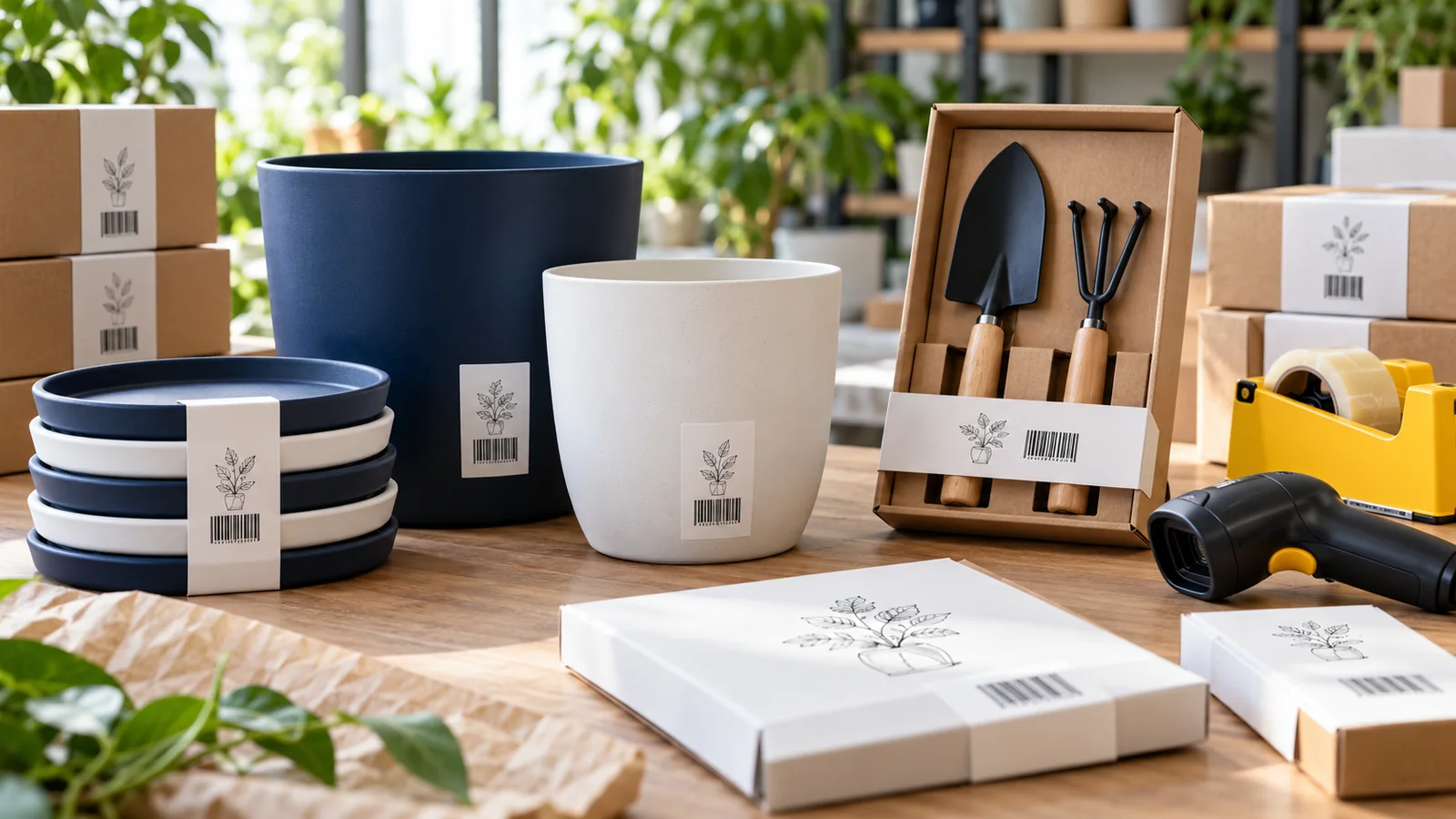
A customer orders a white 20 cm planter. Your packing team sends the white 15 cm version because both cartons say “Round Pot”. The products look similar in a small catalogue photograph, but they are different items.
Good barcode planning starts with that distinction. Before adding a symbol to a pot, sleeve or tool pack, define exactly what the customer is buying and make the product record specific enough for someone else to pick it correctly.
This guide explains barcodes for planters and gardening accessories in India, covering empty pots, saucers, watering cans, hand tools and fixed accessory kits. Start with your intended retailer's identifier requirements, then build a clear connection between each product, its packaging and its catalogue entry.
Do Planters and Gardening Accessories Need Barcodes?
The practical requirement depends on where and how you sell. A retailer may ask for an accepted product identifier and a scannable symbol for receiving stock and checkout. Your own shop may also use internal codes. Confirm which route the buyer requires before purchasing numbers or printing labels.
An EAN-13 barcode is a machine-readable symbol representing a 13-digit number. It does not contain the planter's colour, dimensions or price as readable product attributes. The shop's product record connects that number to those details.
Barcode identification also serves a different purpose from any product-specific labelling or safety obligations. Adding a barcode does not establish that a product meets them.
Define the Selling Unit First
“One planter” can mean an empty pot, a pot with its matching saucer, or a boxed pair. Write the selling unit explicitly before assigning identifiers.
| Retail offer | Record to create | Picking detail to check |
|---|---|---|
| One empty round planter | Single planter, exact model and size | Whether a saucer is excluded |
| One separately sold saucer | Saucer, exact size and colour | Which pot dimensions it fits |
| Fixed planter-and-saucer pack | The complete physical retail pack | Both components are present |
| Two watering cans sold together | The fixed two-pack | Capacity and number of pieces |
| Boxed trowel-and-cultivator kit | The complete fixed tool kit | Exact tools and models included |
A carton used only to protect an order in transit is a separate packaging question. If a buyer orders cases as distinct trade items, agree on case identification and receiving labels with that buyer. Do not assume a consumer EAN-13 label covers every logistics requirement.
Separate Sizes, Colours and Models That Buyers Choose
Different product variants need distinct identifiers when they are separate trade items. For a planter range, useful distinctions include model, size, colour and material. A self-watering version should not share a record with an ordinary pot just because their outside dimensions match.
Use consistent measurements. If “20 cm” means top outside diameter in one record and height in another, the barcode cannot resolve the ambiguity. Keep diameter, height and any stated capacity in separate fields, using the same units throughout the range.
For watering cans, record the model and declared capacity. For hand tools, record the exact tool type, model and separately offered handle or blade variant. Build the range around products you actually sell rather than hypothetical combinations you may never manufacture.
For the wider counting method, see how many barcodes your brand needs. This category guide focuses on making those gardening-product distinctions usable at the packing desk.
A Worked Example: A Small Gardening Catalogue
Imagine a brand launching the following confirmed range:
- One round planter model in two sizes and three colours: 6 products.
- One watering-can model in two capacities, each in one colour: 2 products.
- One trowel and one cultivator, each sold separately: 2 products.
- One physically boxed kit containing those two tools: 1 additional product.
That catalogue contains 11 distinct retail trade items: 6 + 2 + 2 + 1. The accepted identifier allocation route must cover each one. Making 300 identical units of a particular planter does not mean buying 300 different product numbers; the same assigned identifier repeats on identical units of that product.
If saucers are later introduced as separately sold products, add their own records. If the brand instead sells a fixed pot-and-saucer pack, plan the complete pack as a separate offer. Keeping these decisions visible prevents a seemingly small packaging change from being missed.
Handle Kits and Multipacks as Complete Offers
A fixed physical gardening kit sold as one item needs its own appropriate identifier, distinct from its component trade items. Keep a contents record showing exactly what belongs in the box.
For the two-tool kit, write “one trowel, model T1; one cultivator, model C1” rather than “two assorted tools”. The packer should be able to check the box without relying on memory. Separately traded components retain their own identifiers.
A virtual website offer that discounts two separately fulfilled products is different from a prepacked physical kit. Confirm the sales platform's setup rather than automatically creating a new physical-pack record.
For the full assembly workflow, use the guide to barcodes for gift sets and multipacks. Keep the gardening article focused on defining the accessories and combinations in your range.
Choose a Label Position That Works on the Actual Product
Planters introduce practical challenges: curved walls, textured surfaces, removable sleeves and nested stock. A label that looks clear in a design file may crease, lift or become hidden once the pots are stacked.
Give your designer and printer a real sample. Agree on a suitable label, sleeve, tag or packaging panel, then test it after normal packing and handling. If stock may encounter moisture, test the proposed label material and adhesive under representative conditions instead of assuming it will remain attached.
- Keep dark bars against a clean, light background.
- Preserve the symbol's proportions and required clear space.
- Avoid placing the barcode across a seam, fold or tight curve.
- Check that nesting or wrapping does not hide or damage the symbol.
- For a kit, make the complete pack's barcode easy to distinguish from component labels.
Scan a finished sample with the intended equipment. A routine scan test checks usability in that setup; formal print-quality verification may still be required by your buyer. For detailed diagnosis, read the barcode scanning troubleshooting guide.
Keep One Master Record for Each Retail Product
A useful gardening catalogue needs more than a product name and a barcode column. Keep these fields together:
- Internal SKU and assigned barcode number.
- Product type, model and material.
- Colour and clearly defined dimensions or capacity.
- Selling unit and fixed pack contents.
- Approved product photograph.
- Barcode artwork filename and label revision.
- Retailer record reference and approval status.
For example, “Round planter — 20 cm top outside diameter — white — single pot, no saucer” is much easier to check than “White Pot Large”. Use the same description in the master list, artwork approval and buyer handover.
Before dispatch, scan one packed sample from each variant. Confirm both the number read and the product displayed in the receiving or sales system. A successful scan of the wrong planter record is still a catalogue error.
Prepare the Range Before Buying Numbers
Start with a confirmed list of distinct retail offers. Resolve whether accessories are included, sold separately or assembled into fixed packs. Then ask the intended retailer which identifier route and barcode format it accepts.
If that route is suitable, review YesBarcode's current EAN-13 packages. The offering includes JPG and SVG barcode artwork plus an Excel number list. Match each assigned number to one approved product record before sending files to your printer.
A tidy catalogue gives the barcode a useful job: helping the buyer, stock team and customer receive the exact planter or accessory they selected.
Frequently Asked Questions
Do different planter sizes need different barcodes?
Yes, separately sold sizes are distinct product variants and need separate appropriate identifiers. Define the measurements clearly in each product record.
Can different colours use the same barcode?
Separately offered colour variants need distinct identifiers so ordering, picking and checkout can distinguish them.
Does every identical pot need a different number?
No. The same assigned product identifier repeats across identical units of that product. It is not an individual-unit serial number.
Does a separately sold saucer need its own barcode?
When sold as a distinct retail trade item through a channel requiring product identifiers, it needs its own appropriate identifier and product record.
Can a gardening kit use the trowel's barcode?
A fixed physical kit needs its own appropriate identifier. The trowel's number identifies the trowel, not the complete kit.
Does a barcode automatically show the planter's price?
No. An EAN-13 symbol represents the product number. The retailer's system links that number to its product record and current selling price.