
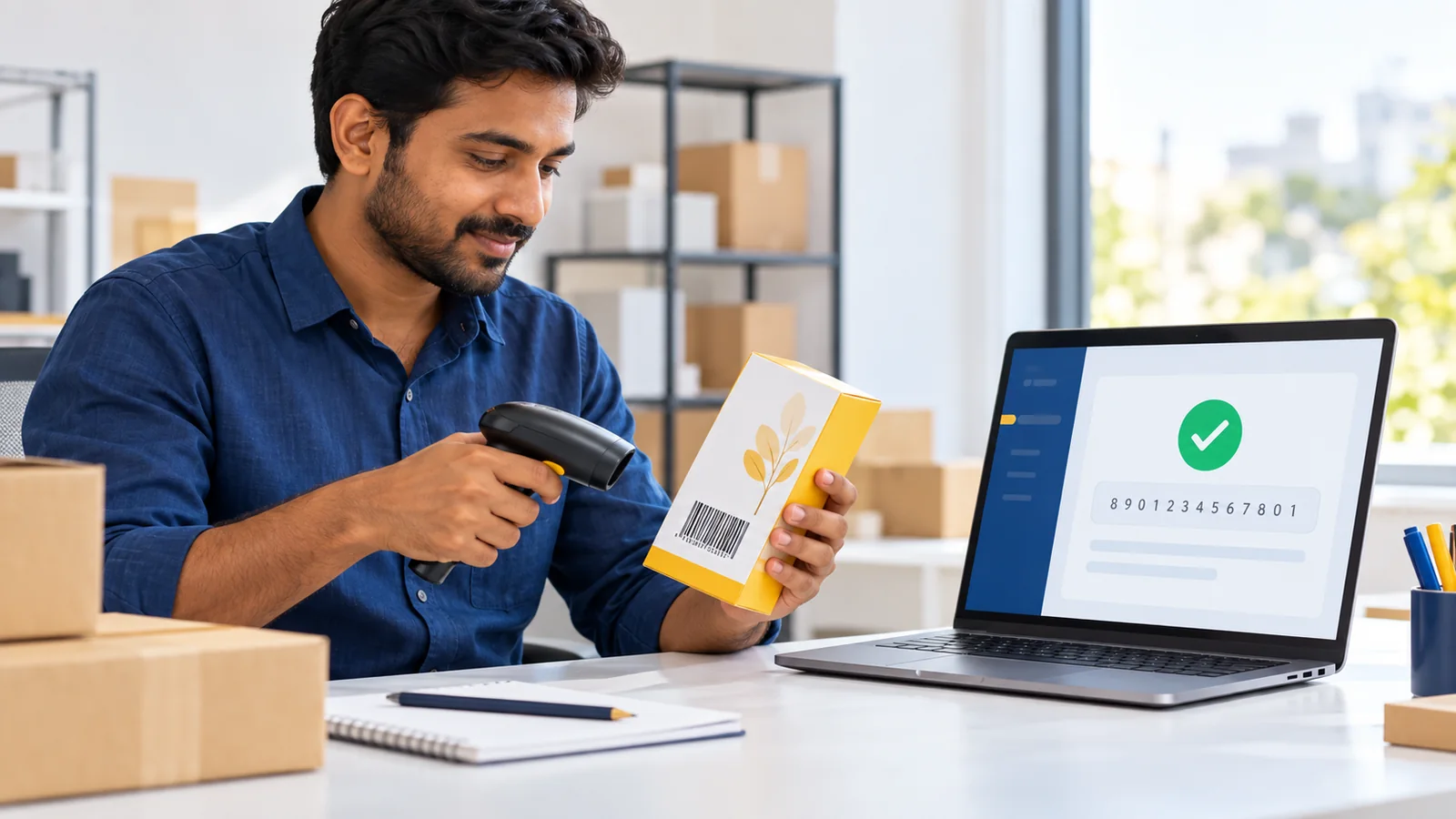
You have received a 13-digit barcode number for your product. Before adding it to packaging or a marketplace listing, you want to know one thing:
Is this barcode valid?
That simple question can mean three different things.
You may want to check whether the number follows the EAN-13 structure. You may be looking for the company or product connected with it. Or you may need to know whether the printed symbol will scan reliably on the finished package.
These are separate checks, and no single online result proves all three.
This guide explains how to verify a barcode number in India, what a free online checker can confirm, what information may be unavailable and when a physical barcode test is still necessary.
The Three Meanings of Barcode Verification
Before using any verification tool, decide which question you are actually trying to answer.
| Check | What it examines | What it does not prove |
|---|---|---|
| Number validation | Length, numeric structure and check digit | Ownership, product identity or print quality |
| Product or company lookup | Available records linked to the number | That every database contains complete or current product data |
| Printed-symbol verification | Technical quality of the barcode as printed | That the number was assigned correctly to the product |
Keeping these meanings separate prevents a common mistake: treating a green result from an online number checker as proof that a barcode is ready for every retailer and every package.
1. Check Whether the EAN-13 Number Is Structurally Valid
EAN-13 contains 13 digits. The final digit is a check digit calculated from the preceding digits.
The check digit helps a system detect many typing or scanning errors. When the calculation does not match the final digit, the number has probably been entered incorrectly or is not a valid EAN-13 sequence.
A structural check can confirm:
- that the entry contains 13 digits,
- that it uses the expected numeric format, and
- that the final check digit matches the calculation.
It cannot confirm who owns the number, which product uses it or whether a barcode image has been printed correctly.
A practical example
Imagine that your product master contains one number, but the packaging artwork contains a number with two digits transposed.
A check-digit test may reject the artwork number, alerting the team before thousands of cartons are printed. The next step is not to invent a different final digit. Compare the complete number with the authorised source file and correct the transcription error.
You can enter any 13-digit number into the YesBarcode EAN-13 verification tool. The tool checks the structure and recalculates the check digit.
2. Look for Available Product or Company Data
After confirming that a number is structurally valid, you may want to know which product or business is associated with it.
This is a data-lookup question, not a mathematical validation question.
A valid EAN-13 number does not automatically contain the product name, MRP, colour, weight or company name inside the bars. A scanner generally reads the identifier, and another system uses that identifier to retrieve data from its own records.
That is why different lookup services may show different levels of information. A service can display only the records it is authorised and able to access.
The YesBarcode tool currently shows published product information for barcodes issued by YesBarcode when the owner has chosen to publish those details. For a number issued elsewhere, it can still test the EAN-13 structure, but it does not claim to provide a universal product record.
GS1 also provides its own services for looking up data associated with identifiers in its system. Use the appropriate source for the type and origin of the identifier you are investigating.
3. Test the Printed Barcode on the Actual Package
A correct number can still produce a poor barcode.
The symbol may fail after printing because it is too small, blurred, stretched, low contrast, placed across a seam or wrapped tightly around a curved container. Reflective films, transparent labels and inconsistent printer output can create additional problems.
A phone app or ordinary retail scanner can provide a useful practical scan check, but repeated scanning is not the same as formal barcode verification.
Formal verification evaluates a printed symbol against defined quality parameters using suitable verification equipment and methods. The international specification for linear barcode print-quality testing is ISO/IEC 15416:2025. It describes methods for measuring barcode attributes and deriving an overall symbol-quality assessment.
If a retailer, distributor or regulated process asks for a verification report or minimum grade, confirm the exact standard, symbol type, aperture and reporting requirements with that organisation. An online check-digit result does not replace that report.
How to Check an EAN-13 Barcode Before Printing
Step 1: Copy the number from the authorised source
Use the original delivery file, account dashboard or controlled product master. Avoid copying a number from a low-resolution screenshot or an old artwork proof.
Step 2: Run a structural check
Enter all 13 digits into a reliable EAN-13 checker. Confirm that the number has the correct length and a matching check digit.
If it fails, compare every digit against the source. Do not modify the number merely to force a successful result.
Step 3: Confirm the product assignment
Open your product master and confirm that the number belongs to the correct sellable item.
Check the complete description, including:
- brand,
- product name,
- flavour, shade or colour,
- weight, volume or size,
- single unit, multipack or case configuration, and
- internal SKU.
A mathematically valid number assigned to the wrong variant is still a catalogue error.
Step 4: Compare the human-readable digits with the artwork record
The digits printed beneath the bars should match the approved number in your product record. Check this during artwork approval, not after the packaging reaches the warehouse.
Step 5: Print a production-quality sample
Use the intended printer, material, finish and package shape. A barcode that works on plain office paper may behave differently on a laminated pouch, metallic carton or small bottle.
Step 6: Scan under realistic conditions
Test more than one sample and, where possible, more than one scanner. Scan the package after it has been folded, filled or wrapped into its final form.
If the symbol does not scan consistently, review the common causes in Why Is My Barcode Not Scanning? 9 Packaging Mistakes to Check.
Step 7: Obtain formal verification when required
For high-volume production, strict retail onboarding or a trading partner that requests a report, use an appropriate barcode verification service. Ask the provider what standard and test conditions will appear on the report.
What a Green Online Result Really Means
If an online checker says an EAN-13 number is valid, the safest interpretation is:
The number has a valid EAN-13 structure and check digit.
It does not automatically mean:
- the number belongs to the business presenting it,
- the number has been assigned to the correct product,
- every marketplace will accept it,
- the barcode image meets print specifications,
- the finished package will scan reliably, or
- the product satisfies regulatory requirements.
This distinction is especially important when checking a number received from a supplier, designer, reseller or old spreadsheet.
Common Barcode-Checking Mistakes
- Assuming a valid check digit proves ownership.
- Expecting every valid barcode to appear in a public product database.
- Typing the number manually and failing to compare it with the source.
- Checking the number but not the product variant assigned to it.
- Testing an on-screen image instead of the finished printed package.
- Using one successful phone scan as proof of formal print quality.
- Confusing a missing database record with an invalid check digit.
- Assuming barcode validity guarantees retailer or marketplace acceptance.
A Simple Verification Workflow for Small Brands
Consider a skincare brand launching a face wash in 100 ml and 200 ml sizes.
The business should maintain two product rows and two identifiers. Before printing, it can:
- validate the structure of both 13-digit numbers,
- confirm that each number is mapped to the correct bottle size,
- compare the approved numbers with the digits in the artwork,
- print samples on the final labels,
- test both filled bottles from realistic angles, and
- arrange formal verification if its retailer requires a report.
This workflow checks the number, the assignment and the printed result instead of relying on only one green tick.
Using the YesBarcode Verification Tool
The free YesBarcode verification tool accepts a 13-digit number and recalculates its EAN-13 check digit.
For YesBarcode-issued numbers, it can also show product details that the barcode owner has published, such as the brand, product name, size, MRP and photo. If the owner has not published details, they will not appear.
The tool is useful for detecting an invalid structure or typing error. It is not a worldwide ownership database and does not grade a printed barcode.
Frequently Asked Questions
How can I verify an EAN-13 barcode number online?
Enter all 13 digits into an EAN-13 checker. A structural checker can confirm the length and recalculate the final check digit, but it may not confirm ownership, product assignment or print quality.
What is the check digit in an EAN-13 barcode?
It is the final digit, calculated from the preceding digits using the EAN-13 method. It helps identify many entry or scanning errors.
Does a valid check digit mean the barcode is genuine?
It proves only that the number follows the relevant mathematical structure. Ownership, assignment and source require separate evidence.
Can I find a product name from every barcode?
No. Product information depends on the databases available to the lookup service and whether the owner or data provider has supplied the record.
Why is my valid barcode not showing product details?
The number may be structurally valid while the lookup service has no accessible product record. Validity and data availability are different checks.
Does online verification prove that my printed barcode will scan?
No. Print size, contrast, quiet zones, material, distortion and placement affect scanning. Test the final package and obtain formal verification when required.
Can a phone app formally verify barcode print quality?
A phone can provide a practical scan test, but formal print-quality verification uses appropriate equipment and specified evaluation methods.
Can I verify any EAN-13 number with YesBarcode?
You can check the 13-digit structure and check digit. Detailed product data is limited to YesBarcode-issued products whose owners have published their information.
Check the Number, Assignment and Print
Barcode verification is not one single tick.
First validate the number. Then confirm which product owns that number. Finally, test the physical symbol under the conditions in which it will actually be scanned.
To check the structure of a 13-digit number, use the free YesBarcode EAN-13 verification tool. If you discover that a confirmed product variant still needs its own identifier, compare the current YesBarcode EAN-13 packages after checking the requirements of your intended sales channels.