
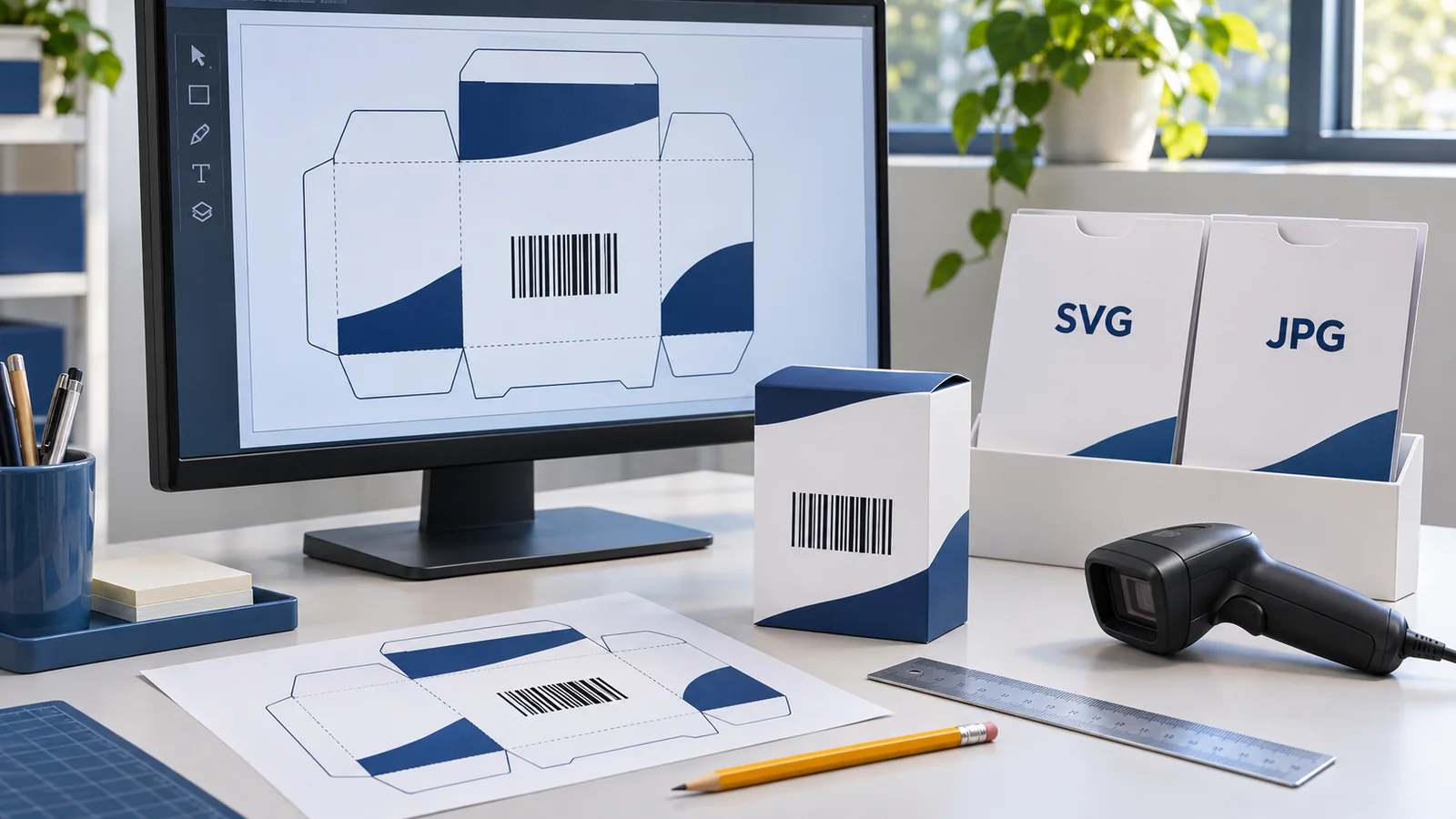
Your barcode files have arrived. There is an SVG, a JPG and a spreadsheet of numbers. The designer asks which image to use, while the printer wants the final packaging artwork by tomorrow.
It is tempting to open whichever file previews most easily and paste it into the design. But a barcode is a working part of the package. The file you choose, how it is placed and what happens during export can all affect the result.
For packaging artwork, start with the original vector SVG when your designer's software supports it, and agree the final production format with the printer. A sufficiently detailed JPG may be usable at its approved print size, but avoid enlarging it or treating a screenshot as a replacement for the source file.
This guide compares SVG vs JPG barcode files and explains what to hand over before approving labels, sleeves, cartons or pouches.
What Is the Difference Between SVG and JPG?
SVG stands for Scalable Vector Graphics. A genuinely vector barcode represents its bars as shapes rather than a fixed grid of pixels. That makes it useful for placing sharp-edged artwork in a packaging design.
JPG, also called JPEG, is a raster format. Its image consists of a fixed number of pixels. Enlarging it spreads those pixels over a larger printed area; saving a JPG also uses lossy compression, which can alter image detail.
The file extension alone is not a quality certificate. An SVG can contain an embedded raster image, and a JPG can be supplied with enough detail for a particular job. Ask the designer to inspect the actual file rather than judging it only by its name.
| Question | Vector SVG | JPG |
|---|---|---|
| How is the image represented? | Vector artwork uses geometric shapes | A fixed pixel grid |
| What is the main advantage? | Sharp source artwork for compatible design workflows | Easy previewing and broad image support |
| What needs particular care? | Correct import, dimensions and final export | Pixel detail at final size and compression |
| Does the format guarantee scanning? | No | No |
| What should the printer receive? | The agreed production artwork, with the source available | A suitable original only if the workflow accepts it |
Why SVG Is Usually the Better Starting Point for Packaging Artwork
Packaging designs often move between a brand owner, a freelance designer and a print supplier. Starting with vector source artwork reduces the need to enlarge a pixel-based barcode or rebuild it from a preview.
For example, a tea brand may place its barcode in a carton design and later adapt that design to a label. The designer should return to the original source and prepare the symbol for the approved output size. Copying a small JPG from a presentation adds an avoidable image-quality question.
However, the word “scalable” does not mean a barcode can be printed at any size. The symbol still has requirements for bar dimensions, height and clear space. Have the artwork prepared at the intended dimensions for the printing process rather than dragging it until it fits a spare corner.
The printer may want a production PDF or another agreed file instead of a standalone SVG. Use the SVG as a source where appropriate; confirm the supplier's required final format before exporting the complete design.
When Can a JPG Barcode File Be Useful?
A JPG can be convenient for checking which number belongs to which product, sharing a visual reference or using software that accepts raster images. It may also be usable for printing when the original image has suitable detail at the intended physical size and the printer approves it.
Keep those uses separate. A preview that looks fine on a phone does not establish that the file is suitable for a production label. Likewise, changing a resolution field does not recreate detail missing from a small image.
If your designer can only place a JPG, send the original file. Ask them to check its pixel dimensions, intended printed size and the export process. Avoid passing along an image copied from a document or captured from a browser preview.
Does “300 DPI” Mean a Barcode Is Ready to Print?
No. A resolution label alone cannot confirm barcode quality. The source pixels, physical output size, symbol construction and printing conditions still matter.
As a simple image calculation, a 600-pixel-wide picture printed 2 inches wide has 300 pixels per inch. Print the same picture 4 inches wide and it has 150 pixels per inch. The image still contains only 600 pixels across.
This arithmetic explains why enlargement matters; it is not a recommended barcode width or a print-resolution specification. Barcode production needs a suitable relationship between the symbol's individual elements and the output process. Give the printer the source and the intended dimensions so they can assess the actual job.
Four File Shortcuts to Avoid
1. Taking a screenshot of the barcode
A screenshot records what was displayed on screen, not the original artwork. It can include reduced detail, display scaling or an accidental crop. Send the supplied source file instead.
2. Enlarging a small JPG for a bigger pack
A larger carton does not automatically require a larger barcode. If the approved symbol size needs to change, ask for correctly prepared artwork at the new dimensions. Do not use an enlarged preview as the production master.
3. Converting a JPG to SVG and assuming it is now vector
Putting a raster image inside an SVG does not turn its pixels into original vector bars. Automatic tracing can also change the shapes. Obtain an appropriate original file or have the symbol regenerated correctly from the assigned number.
4. Sending a proof PDF as though it were the production file
A PDF may contain vector artwork, raster images or both. The extension does not tell you whether the barcode remained suitable during export. Label review proofs clearly and agree which approved file the printer will actually use.
Match the Barcode File to the Product Before Checking Its Appearance
A perfectly sharp symbol can still identify the wrong product. Treat number matching as a separate approval step.
Suppose you have a 200 g coffee pouch and a 500 g pouch. Place the two product records side by side with their assigned numbers and artwork filenames. Check the digits beneath each barcode against the master list before approving the pouch designs.
Use a simple handover table:
| Product | Assigned number | Source file | Approved design |
|---|---|---|---|
| Coffee, 200 g | Copy from the approved master list | Original file named by that number | Coffee-200g-r03 |
| Coffee, 500 g | Copy from its separate approved record | Original file named by that number | Coffee-500g-r02 |
These filenames are illustrative. Keep your own naming method consistent and archive superseded designs so the printer can identify the current approval.
What Should You Send to the Printer?
Give the printer enough context to assess the barcode in the complete package, not just as a loose image attachment.
- The final packaging design in the agreed production format.
- The original barcode source file, available if needed.
- The exact product and assigned number for that design.
- The intended barcode dimensions and packaging panel.
- The printing material, finish and production process.
- The artwork revision and the person approving it.
- Any buyer requirements for barcode testing or verification.
Ask the supplier to flag any change that rasterises, resizes, crops or otherwise alters the barcode. If a change is needed, review the revised production file before printing. For coordination across the wider launch, use the new-product barcode checklist.
Check the Finished Print, Not Just the File
File choice addresses only part of the job. Contrast, clear space, bar height, surface condition and placement still affect the finished symbol. An SVG cannot compensate for a barcode hidden by a fold or damaged during labelling.
Inspect and scan a production-quality sample after the normal finishing and packing steps. Confirm both the number read and the product selected in the intended system. If the buyer requests formal print-quality verification, arrange that separately; one successful scan is not a formal verification report.
If the symbol is already printed and unreliable, use the guide to barcode scanning problems for a fuller diagnosis.
Using the Files Supplied by YesBarcode
YesBarcode's current EAN-13 packages include JPG and SVG artwork plus an Excel number list. Use the list to control assignments, the original artwork for the design workflow and an agreed final production file for the printer.
If you are preparing a new range, confirm your sales channels' identifier requirements first. Where the route is suitable, review the current YesBarcode barcode packages and share the supplied originals with your designer.
The useful question is not simply “Which file opens?” It is “Which source, dimensions and export process will preserve the correct barcode through this print job?”
Frequently Asked Questions
Is SVG better than JPG for barcode printing?
Original vector SVG is usually a better starting point for compatible packaging-design software. The final production format, symbol dimensions and printed result still need approval.
Can I print a barcode from a JPG?
A suitable original JPG may work at an approved physical size. Ask the printer to assess its pixel detail and the production workflow, and test the finished output.
Can I turn a JPG barcode into an SVG?
Embedding a JPG in an SVG does not recreate original vector bars. Use appropriate original artwork or correctly regenerate the symbol from the assigned number.
Is a barcode in a PDF always vector?
No. PDFs can contain vector and raster content. Ask the designer or printer to inspect the barcode in the actual production file.
Does an SVG barcode always scan?
No. Correct number assignment, symbol construction, dimensions, clear space, contrast, placement and print quality still matter.
Which barcode files does YesBarcode provide?
The current EAN-13 offering includes JPG and SVG artwork plus an Excel number list. Confirm current package details on the purchase page.