
Your stock sheet has a product code. Your packaging designer asks for a barcode. Then a retailer sends a form with a separate field for a GTIN.
It is easy to wonder: aren’t these all the same thing?
They are connected, but they do different jobs. Understanding the difference helps you fill in product records correctly and avoid sending an internal stock code where a retail product identifier is required.
SKU vs barcode: the quick answer
An SKU is a code a business uses to organise its own stock. A barcode is a scannable symbol that carries data. A GTIN is a standardised number used to identify a trade item.
These are not three competing options. Your product can have an internal SKU and a GTIN, with a barcode printed on its packaging to make the identifier easy to scan.
| Term | What it means | Its role |
|---|---|---|
| SKU | Your business’s internal stock reference | Helps your team organise and find a product in your records |
| GTIN | A standardised trade-item identifier | Identifies a product across systems that use the standard |
| Barcode | A machine-readable symbol | Lets a scanner capture the data encoded in it |
What is an SKU?
SKU stands for stock keeping unit. In everyday business use, “SKU” often means the internal code attached to a particular stock item.
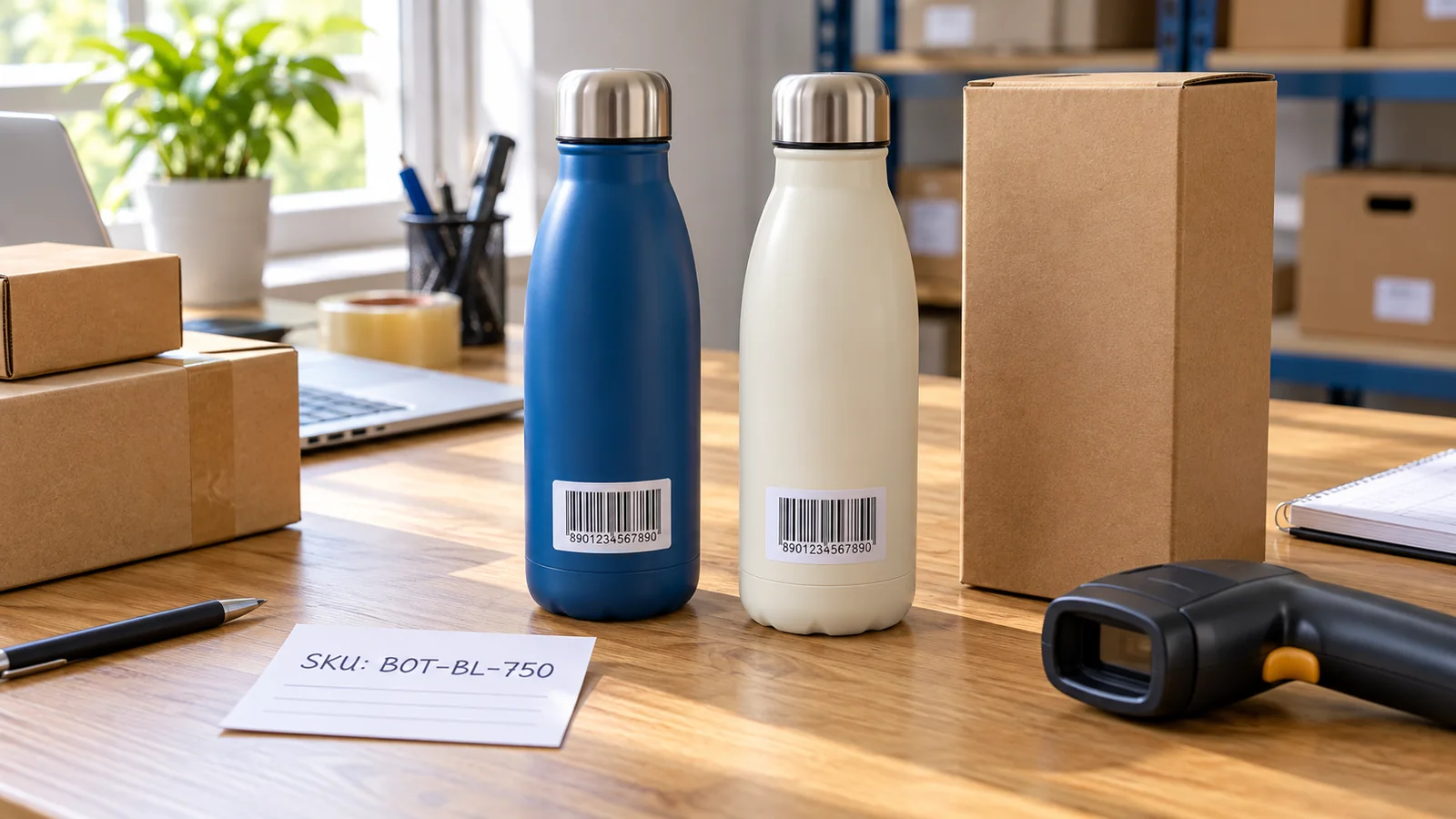
Imagine you sell a blue, 750 ml water bottle. You might give it the code BOT-BL-750. Your team can recognise the product without typing its full description every time.
That code is your choice, subject to the limits of your inventory software. Another business could use the same letters for something completely different. An internal SKU does not become a globally unique product identifier just because it appears on a label.
You do not need to buy EAN-13 numbers merely to create internal SKU names. First decide whether you need identification inside your own operation, identification for outside sales channels, or both.
What does a barcode do?
A barcode gives a scanner a way to read encoded data. The software receiving that data then decides what to do with it.
For example, a shop’s billing system can use a scanned product number to find the matching item in its catalogue. An internal warehouse system may use a scannable stock reference to open an inventory record.
The symbol type matters. A retail EAN-13 symbol encodes a 13-digit number; it cannot directly encode the letters in BOT-BL-750. If you want to scan an alphanumeric SKU internally, ask your software provider which barcode formats and label setup it supports.
This is why “SKU versus barcode” can be a slightly misleading comparison: an SKU can itself be represented by a suitable barcode. The useful question is which identifier your workflow needs to read.
Where does the GTIN fit?
GTIN stands for Global Trade Item Number. It identifies a trade item, such as a particular packaged product, within the GS1 identification system. GTINs come in different lengths; a GTIN-13 can be represented in an EAN-13 barcode.
You may hear someone call the printed number an “EAN” or simply a “barcode number”. When completing a retailer’s form, check exactly which field they mean rather than putting your SKU into every box.
Also, generating a barcode image does not establish the origin or registration of the number inside it. Confirm the retailer’s required identifier source and validation process before buying numbers or printing packaging.
One bottle, three connected pieces of information
Here is a simple example of how a product record could look:
| Field | Example entry |
|---|---|
| Product name | Everyday Water Bottle |
| Colour and capacity | Blue, 750 ml |
| Internal SKU | BOT-BL-750 |
| Retail product identifier | The correctly assigned identifier for this product |
| Barcode artwork | The approved file encoding that identifier |
Your packing team might search by SKU, while a retail checkout reads the number encoded in the packaging barcode. Both should lead to the same blue bottle record.
If the scanner reads successfully but the screen shows a different item, check the product mapping in the software. A readable symbol can still be linked to the wrong record.
Do you need an SKU, a retail barcode, or both?
For your own stockroom: an internal SKU system may be enough to organise products. Add compatible scan labels if that makes receiving, picking and stock counts easier.
For supplying retailers: ask which product identifiers and barcode symbols they require. Your own stock code may be useful on paperwork without meeting their checkout requirements.
For selling through several channels: keep your internal SKU and the required external identifiers in separate, clearly labelled fields. You can then export the right information for each destination.
If you are still choosing how to obtain retail identifiers, follow our step-by-step guide to getting a barcode for a product in India. This article focuses on telling the fields apart.
Keep your SKU names simple enough to use
An SKU should make work easier for the person finding the item. A short, consistent format is usually more useful than a code containing every detail about the product.
- Choose one naming pattern. Decide how your team will abbreviate products and attributes, and record those choices.
- Avoid changing details. Putting the current selling price or shelf location into the SKU can create extra work when those details change.
- Check for duplicates. Two different active products should not accidentally share the same internal reference.
- Keep a readable description alongside it. New staff should not need to memorise every abbreviation.
These are practical housekeeping suggestions, not a universal SKU standard. Use a format your software accepts and your team can maintain.
Three mistakes worth catching early
1. Pasting an SKU into an EAN or GTIN field
A form asking for a retail product identifier is not necessarily asking for your own stock reference. Read the field instructions, especially when importing a large catalogue.
2. Assuming a barcode contains the full product record
A normal EAN-13 product barcode carries the identifier, not your complete description, price list and stock balance. The receiving system needs the appropriate product data to make that number useful.
3. Losing the link between the code and the item
Keep one approved master record connecting each internal SKU, retail identifier and artwork file. When handing work to a designer or colleague, share that record instead of a folder of unexplained barcode images.
How YesBarcode fits into your setup
If your chosen sales channels accept the identifier route you have selected, you can review YesBarcode’s EAN-13 barcode packages. The current package information lists JPG and SVG artwork alongside an Excel number list.
Use the supplied number list to connect your retail identifiers with your own product records. Keep the internal SKU in its separate column, and confirm that each artwork file belongs to the intended item before printing.
Your team should be able to answer three questions without guessing: what is the product, what do we call it internally, and which number will the retailer scan?
Frequently asked questions
Is an SKU the same as a barcode number?
No. An SKU is a business’s internal stock reference. A barcode number is the value encoded in a barcode; depending on the symbol and workflow, that value may be a retail identifier or an internal reference.
Can I create my own SKU codes?
Yes. You can choose internal SKU codes that suit your business and software. Creating an SKU does not create a GS1 GTIN or satisfy an outside retailer’s identifier requirements.
Can an SKU be printed as a barcode?
Yes, if you use a barcode format that supports the SKU’s characters and works with your scanners and software. An EAN-13 symbol cannot directly encode an alphanumeric SKU.
Can one product have both an SKU and a GTIN?
Yes. Keep them as separate fields linked to the same product record. The SKU supports your internal organisation, while the GTIN provides standardised trade-item identification.
Does scanning a barcode automatically show the price?
Only when the connected software can retrieve the relevant price from a matching product record or integration. A normal EAN-13 barcode does not contain the complete pricing record.