
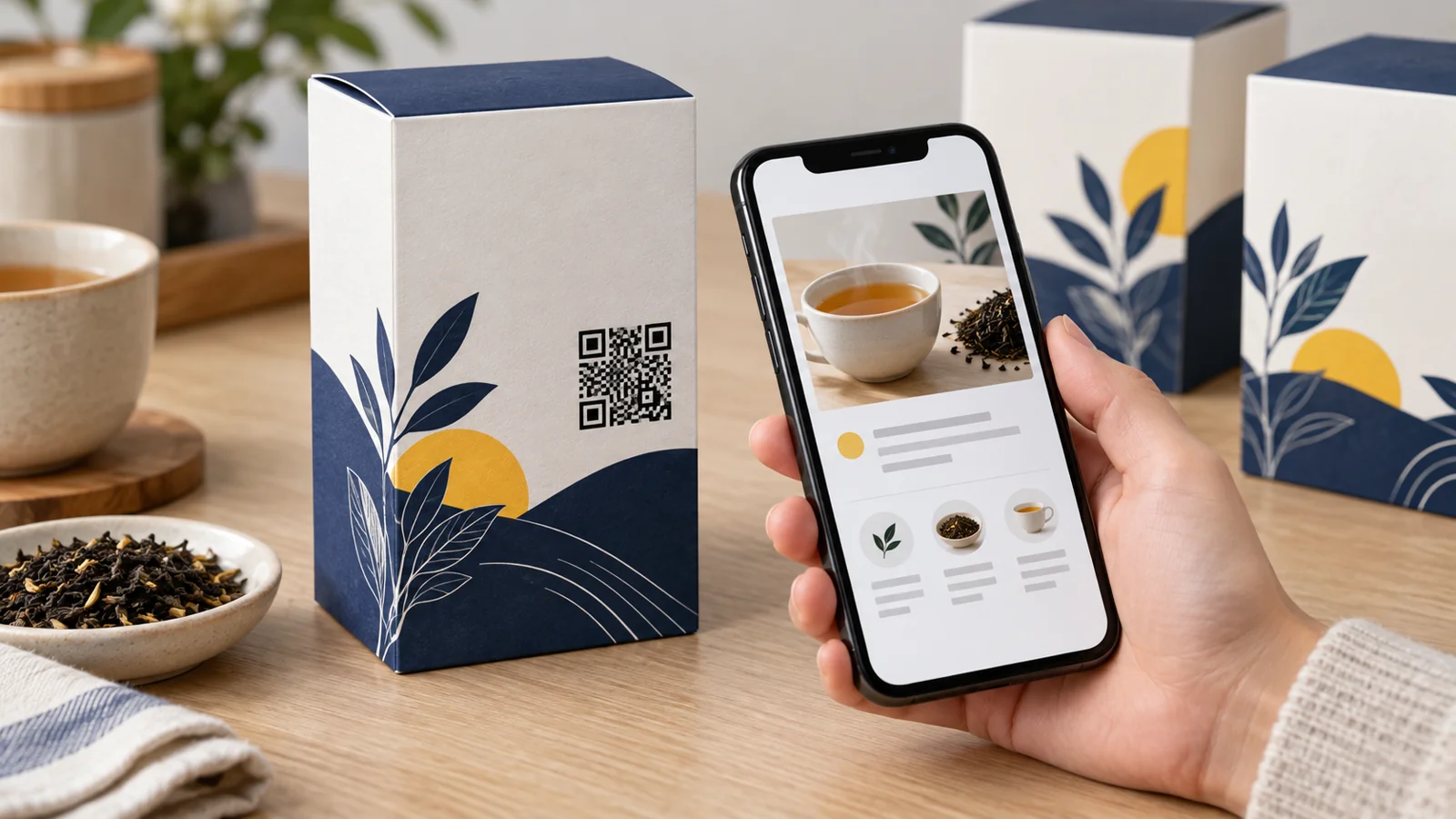
You approve 5,000 tea cartons with a QR code linking to a recipe page. Three months later, your website changes, the page moves, and those cartons are still on shop shelves.
This is where a dynamic QR code for product packaging can be useful. You can change the destination behind the printed code without replacing the symbol on every pack, provided the redirect service remains active.
But an editable link is only part of the job. Customers still need a useful page, the printed symbol must scan, and someone must maintain the service after launch.
What Is a Dynamic QR Code?
A dynamic QR code commonly contains a managed redirect address. When a customer scans it, that address sends them to the destination you have chosen. You update the destination in the service rather than changing the printed pattern.
For example, your tea carton could initially open a brewing guide. Later, you could point the same code to an improved guide with a short preparation video.
The destination changes; the code printed on the carton does not. This depends on the redirect address remaining available and any required subscription staying active.
Static vs Dynamic: Which Fits Your Pack?
| Question | Static QR code | Dynamic QR code |
|---|---|---|
| What is stored? | The encoded content, such as a direct web address | Typically a managed address that redirects to your destination |
| Can the printed pattern be edited? | No | No; the destination behind it can be changed |
| Can the linked content change? | Yes, if you control the page at the encoded address | Yes, and the service can also redirect to another address |
| What must stay available? | The encoded website address and any redirect you manage | The redirect service, account and destination page |
A static code is not automatically a dead end. If it points to a stable page on a domain you control, you can update that page without reprinting the code. Dynamic services are useful when you want managed destination changes and their offered reporting features.
Choose around the support you need, not the assumption that every printed QR code requires a paid service.
Choose One Useful Reason to Scan
Give customers a clear benefit. “Scan me” says little about what happens next.
- Tea carton: “Scan for brewing instructions.”
- Storage container: “Scan for cleaning and care.”
- Desk lamp: “Scan for the setup guide.”
- Gift box: “Scan to explore the products inside.”
Match the destination to that promise. A customer scanning for care instructions should not have to search a homepage or close several sales pop-ups first.
Start with one helpful page. You can add related links after the main answer, but keep the first screen focused on the task printed beside the code.
Keep the Destination Specific to the Product
Suppose you sell a glass container and a steel container. Their care instructions differ. Sending both to one generic page makes customers choose again and creates room for mistakes.
Use separate destinations or a clearly organised page that identifies the correct version. Record which QR code appears on which pack, along with the intended destination and artwork revision.
Be especially careful when updating a shared code. Redirecting it to a campaign for one product also changes the experience for every older pack carrying that same symbol.
Before saving an update, ask: “Would this still make sense to a customer holding last month's stock?”
A Customer QR Code Does Not Automatically Replace the Retail Barcode
A QR code that opens a website is different from a product identifier prepared for retail checkout. Keep the retail barcode required by your buyer unless that buyer has confirmed an accepted alternative.
GS1 Digital Link is a standards-based approach that can connect product identification with web content. A general marketing QR code is not automatically a GS1 Digital Link code, and not every retail system can process the relevant 2D formats.
GS1's current guidance says a 1D barcode remains needed on retail POS products during the transition where systems are not ready. Confirm requirements with your trading partners before altering checkout artwork.
For the wider packaging handoff, read the barcode checklist for a new product launch.
Test the Printed Pack, Not Just the Downloaded Image
DENSO WAVE specifies a clear margin four modules wide on every side of a standard QR symbol. A module is one of its small squares. Preserve that margin when placing the code beside text or illustrations.
There is no single print size that works for every packaging application. Code density, printing quality, scanning equipment and viewing conditions matter.
Use these practical checks before mass printing:
- Place the code on a reasonably flat, accessible area.
- Keep it away from folds, seals and areas likely to wrinkle.
- Use a clear dark-on-light design and preserve the blank margin.
- Print a sample at the final size on the actual material.
- Scan the filled, sealed pack with several phones under normal lighting.
- Open the destination using mobile data as well as your office Wi-Fi.
- Check that the correct product page appears and is easy to read.
If a code reads on screen but struggles through glossy film, work with the printer on the finished material. A successful scan of a large digital preview does not approve the physical pack.
Plan for Subscription Renewal and Old Stock
Your printed packaging may remain in homes and shops long after a campaign ends. Treat its QR destination as an ongoing customer touchpoint.
For a managed service, confirm what happens when a trial or subscription expires. Also check how to regain access if the employee managing the account leaves.
A practical maintenance record should include:
- The account owner and recovery contact.
- The plan and renewal date.
- The products and packaging versions using each code.
- The current destination and date last tested.
- The person who approves destination changes.
- A stable support page to use after a promotion ends.
Keep a short support address or customer-contact option on the pack where suitable. A customer should still have a way to find help if their phone cannot scan or the online service is temporarily unavailable.
Use Scan Reports to Ask Better Questions
Scan reporting can help you compare activity across codes, but first learn what the provider counts. Total scans, unique visitors and completed purchases are different measures.
One customer may scan twice, and some recorded activity may come from your own testing. A high scan count alone does not prove that people read the guide or bought another product.
Choose a practical outcome: opening the instructions, reaching support or completing a relevant next step. Review that outcome alongside the scan report before changing the packaging message.
How YesBarcode Can Help
YesBarcode's dynamic QR service currently offers editable destination URLs, dashboard management and scan analytics. Its published offer includes a seven-day trial with two dynamic codes.
According to the service page, codes eventually pause after the trial and grace period if no subscription is chosen. Review the current plan terms before printing packs intended to remain in circulation.
Use the trial to test a real customer task on a sample pack. Approve the page, print and maintenance plan together before ordering the full packaging run.
Frequently Asked Questions
Can I change a QR code's destination after printing?
With a dynamic redirect service, you can change the destination while retaining the printed pattern, provided the service remains active. You cannot rewrite the data physically encoded in an existing print.
Can a static QR code open updated information?
Yes. If it links to a page you control, you can update that page. The address encoded in the printed symbol stays the same.
Will my dynamic QR code work if I stop paying?
That depends on the provider's terms. YesBarcode states that codes pause after the trial and grace period without an active subscription. Check current terms before production.
Can a packaging QR code replace an EAN-13 barcode?
A general website QR code is not automatically a retail checkout identifier. Keep the format your retailer requires unless it confirms an accepted alternative.
What size should I print the QR code?
Choose the size for the code density, material, printer and scanning conditions. Preserve the required clear margin and test the finished pack rather than relying on a universal minimum.
Does a dynamic QR code prove a product is authentic?
No. A shared code can be copied. Product authentication requires a separate, deliberately designed verification process; a link to a brand page alone does not establish authenticity.
Make Every Scan Worthwhile
Start with one product, one useful destination and one tested sample. Then assign someone to keep that experience working for customers holding both new and older packs.
Ready to test an editable link? Explore YesBarcode's current dynamic QR plans and check the service conditions before approving your packaging.